Five common mistakes that reduce the lifespan of your devices (and how to avoid them)

Five common mistakes that reduce the lifespan of your devices (and how to avoid them)

Smartphones and tablets have become essential work tools in most companies. From commercial management to logistics, customer service and technical services, mobility is no longer optional.

However, many devices have their useful life reduced not because of technological obsolescence, but because of poor usage and maintenance habits.

In a professional environment, this has a direct impact on:

  • Early replacement costs
  • Operational disruptions
  • Unnecessary repairs
  • Loss of productivity.

In this article, we analyse five common mistakes that shorten the useful life of mobile devices and how to avoid them with simple, practical measures.

1. Not protecting the device properly

The error

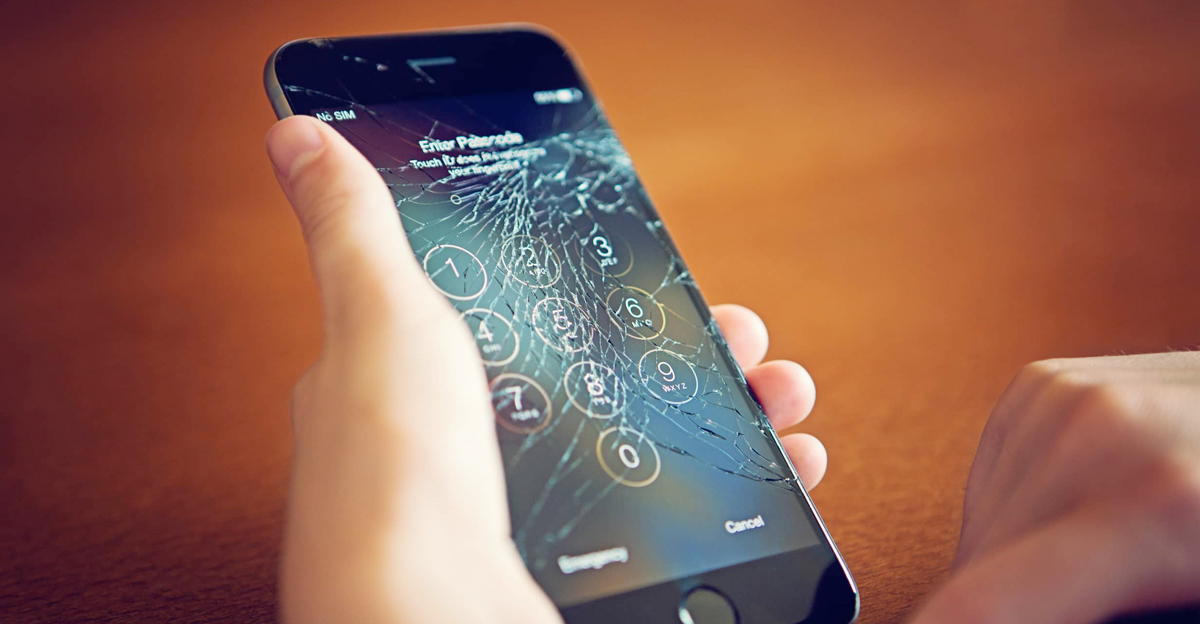
One of the most common mistakes is using a smartphone without a protective case or screen protector, especially in demanding professional environments. In sectors such as logistics, industry, retail, and technical services, devices are exposed to: p>

  • Impacts
  • Drops
  • Vibrations
  • Dust
  • Uneven surfaces

A broken screen or damaged chassis not only means costly repairs, but may also force you to replace the device prematurely.

How to avoid it

  • Use reinforced covers adapted to the working environment.
  • Incorporate high-quality screen protectors.
  • In demanding environments, consider models with resistance certification.

A small preventive investment can significantly extend the useful life of the device.

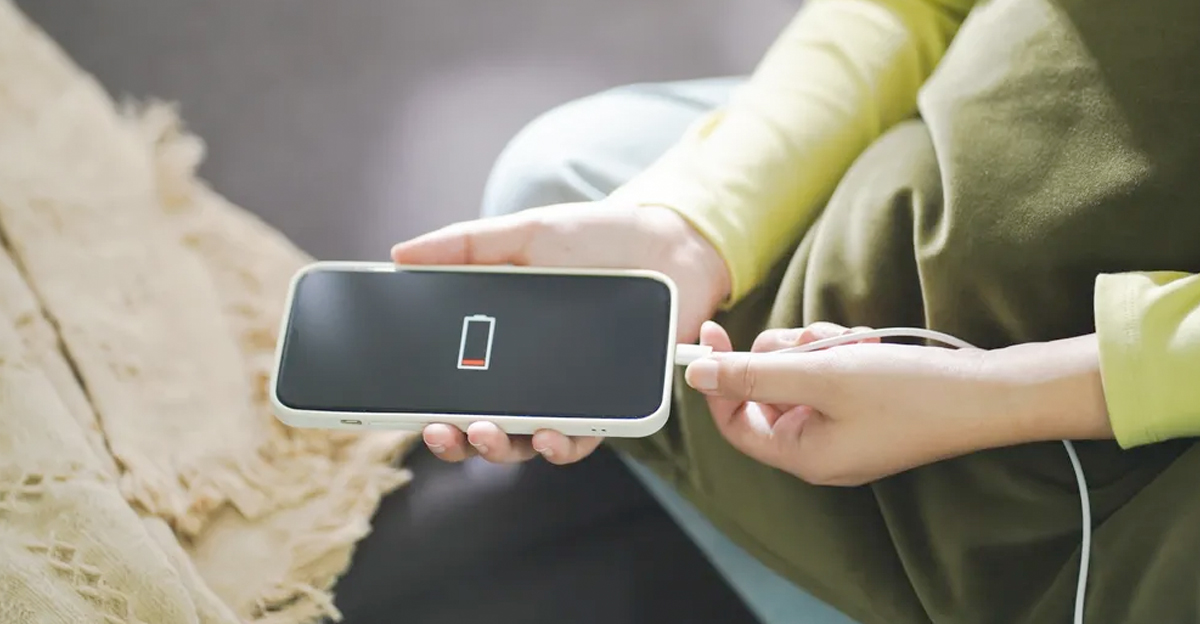
Charge your smartphone safely

2. Neglecting the battery: poor charging habits

The error

La batería es uno de los componentes que más sufre con el paso del tiempo. Algunos hábitos que reducen su vida útil:

  • Mantener el dispositivo constantemente al 100%.
  • Dejar que la batería llegue repetidamente al 0%.
  • Usar cargadores no originales o de baja calidad.
  • Exponer el dispositivo a temperaturas elevadas mientras se carga.

En flotas empresariales, una batería degradada reduce la autonomía y obliga a reemplazar dispositivos antes de lo necesario.

Cómo evitarlo

  • Mantener la carga entre el 20% y el 80% cuando sea posible.
  • Utilizar cargadores certificados.
  • Evitar cargar el móvil en lugares con alta temperatura (salpicadero de coche, maquinaria caliente, etc.).
  • Activar funciones de carga optimizada cuando estén disponibles.

Una batería bien cuidada puede mantener un rendimiento óptimo durante años.

3. Ignorar las actualizaciones de software

The error

Many users postpone system updates for convenience or lack of time. However, this can lead to:

  • Performance issues
  • Security vulnerabilities
  • Application incompatibility
  • Increased battery consumption

In professional environments, security is especially critical.

How to avoid it

  • Enable automatic updates whenever possible.
  • Set up regular checks on corporate devices.
  • Maintain a clear update policy in companies with multiple devices.

Up-to-date software improves stability, security, and overall performance.

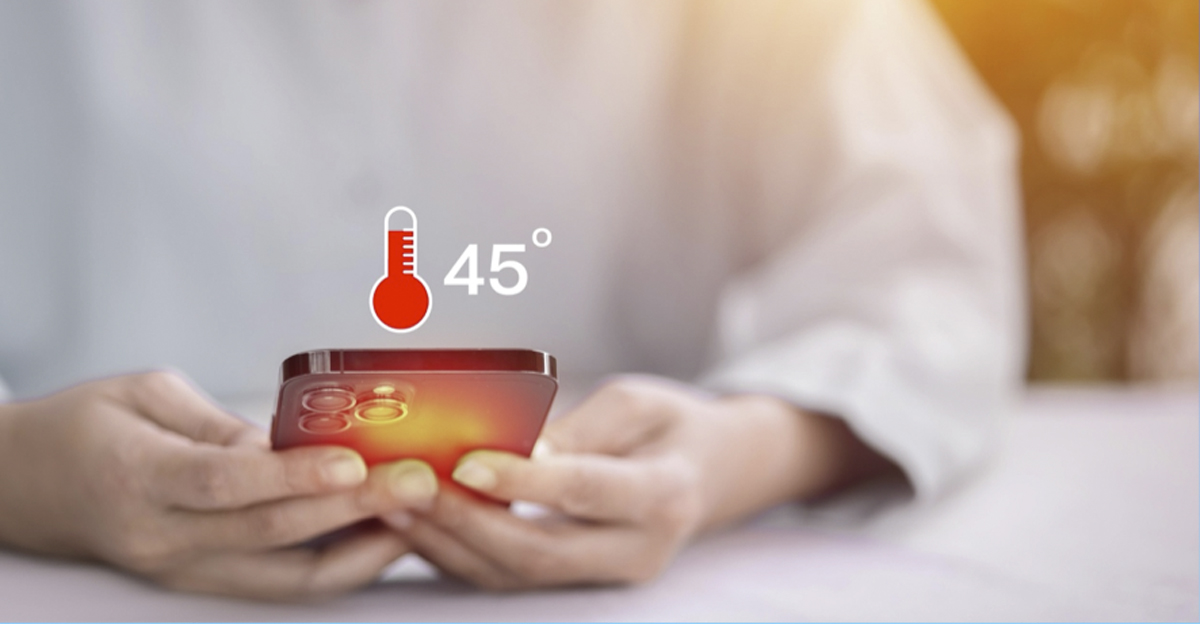
Monitor the temperature of your smartphone

4. Not cleaning or checking the device regularly

The error

Dust and dirt accumulated in:

  • Charging port - Speakers
  • Microphone
  • Slots can cause progressive failures that are mistakenly interpreted as serious malfunctions.

This problem is particularly common in industrial or warehouse environments.

How to avoid it

  • Visually inspect ports and connections from time to time.
  • Perform basic cleaning with appropriate tools (no metal objects).
  • Protect the device when working in dusty or particulate environments.

Preventive maintenance avoids unnecessary repairs.

5. Overloading storage and neglecting internal management

The error

A device with constantly full storage suffers from:

  • General slowness
  • Application failures
  • Problems installing updates
  • Increased system wear and tear

In companies where photos, documents or heavy applications are managed, this problem is common.

How to avoid it

  • Delete unnecessary files periodically.
  • Use cloud storage for large documents.
  • Establish internal file management policies in professional fleets.

An optimised device works better and lasts longer.

Protect your smartphone screen

The real impact on businesses and professional fleets

In B2B environments, these errors multiply their impact.

If a company manages 20, 50 or even 100 devices, any malpractice translates into a significant cumulative cost.

Reducing the average lifespan of a smartphone from 4 years to 2.5 years means:

  • Higher annual investment
  • More time spent on replacements
  • Greater administrative burden
  • More electronic waste

Prevention is always more cost-effective than replacement.

The role of the B2B supplier: supporting and educating

Professional distributors should not only supply devices, but also:

  • Advise on best practices for use.
  • Recommend suitable accessories.
  • Provide guidance on preventive maintenance.
  • Support responsible renewal policies.

This approach positions the supplier as a technology partner, not just a seller.

At CelularB2B, we understand that extending the useful life of devices not only benefits the customer, but also strengthens the long-term business relationship.

Conclusion: small habits, big differences

The lifespan of a mobile device does not depend solely on the manufacturer. It depends, to a large extent, on daily use and maintenance.

Avoiding these five mistakes:

  1. Not protecting the device
  2. Neglecting the battery
  3. Ignoring updates
  4. Not cleaning regularly
  5. Overloading storage

can make the difference between premature replacement and several additional years of optimal performance.

In a professional environment, taking care of devices means taking care of your investment.
Product added to compare.